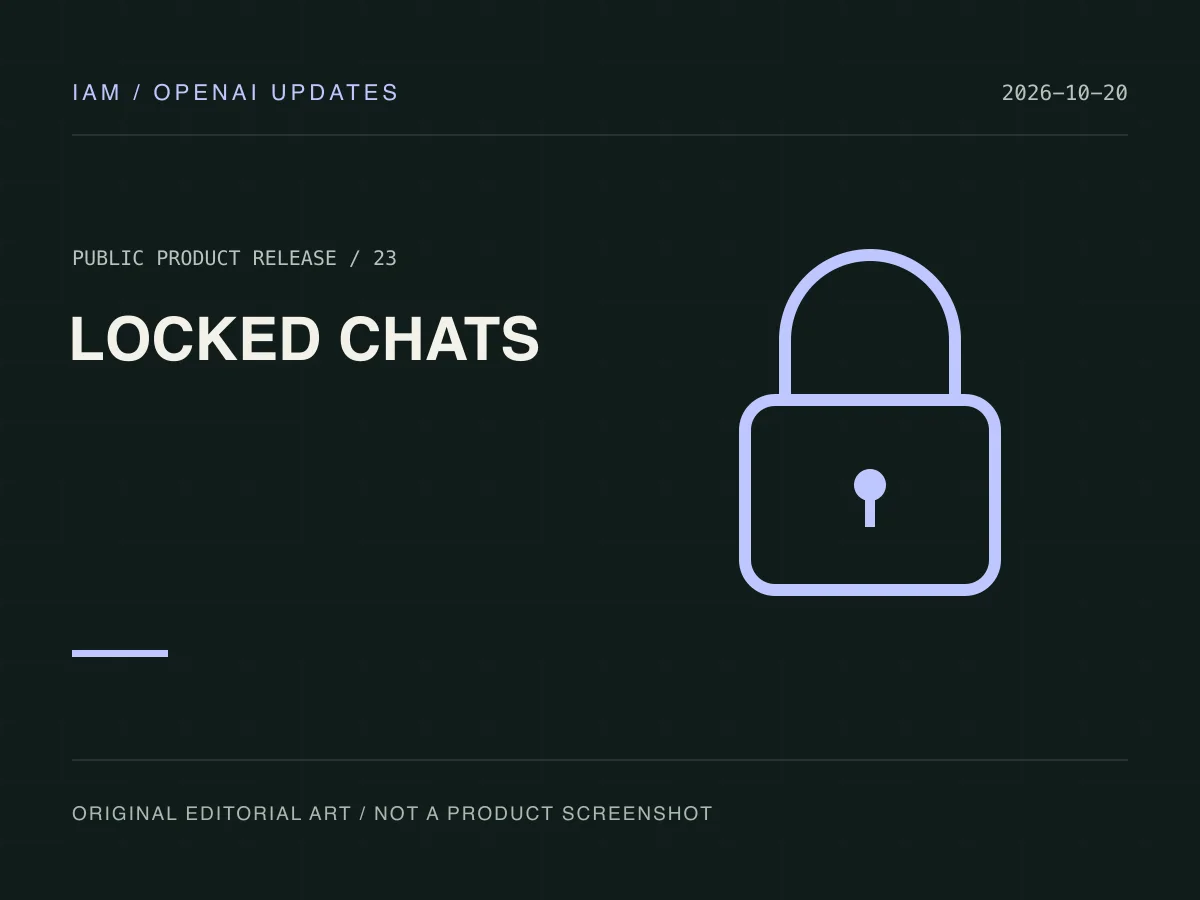
On October 20, 2026, OpenAI introduced locked chats in ChatGPT. Selected conversations move out of regular history, pinned chats, and search, with access protected by a four-digit account PIN or supported device authentication.
Lock an eligible conversation
Open its more-options menu and choose Lock chat. Rollout is gradual, and eligibility varies by conversation and platform. Temporary chats, groups, and some chats with background work cannot be locked. A missing option may therefore reflect conversation eligibility.
Visibility protection has limits
Locking does not change retention or model-improvement settings and does not add end-to-end encryption. New locked messages can inform memory inside locked chats without updating regular memory. Previously stored regular memories are not automatically removed. Organization data policies still apply.
Know the reset consequence
Changing a known PIN preserves chats. Resetting a forgotten PIN permanently deletes locked chats and associated content protected only by the old PIN, with no support recovery. Understand this distinction before relying on the feature for important information.