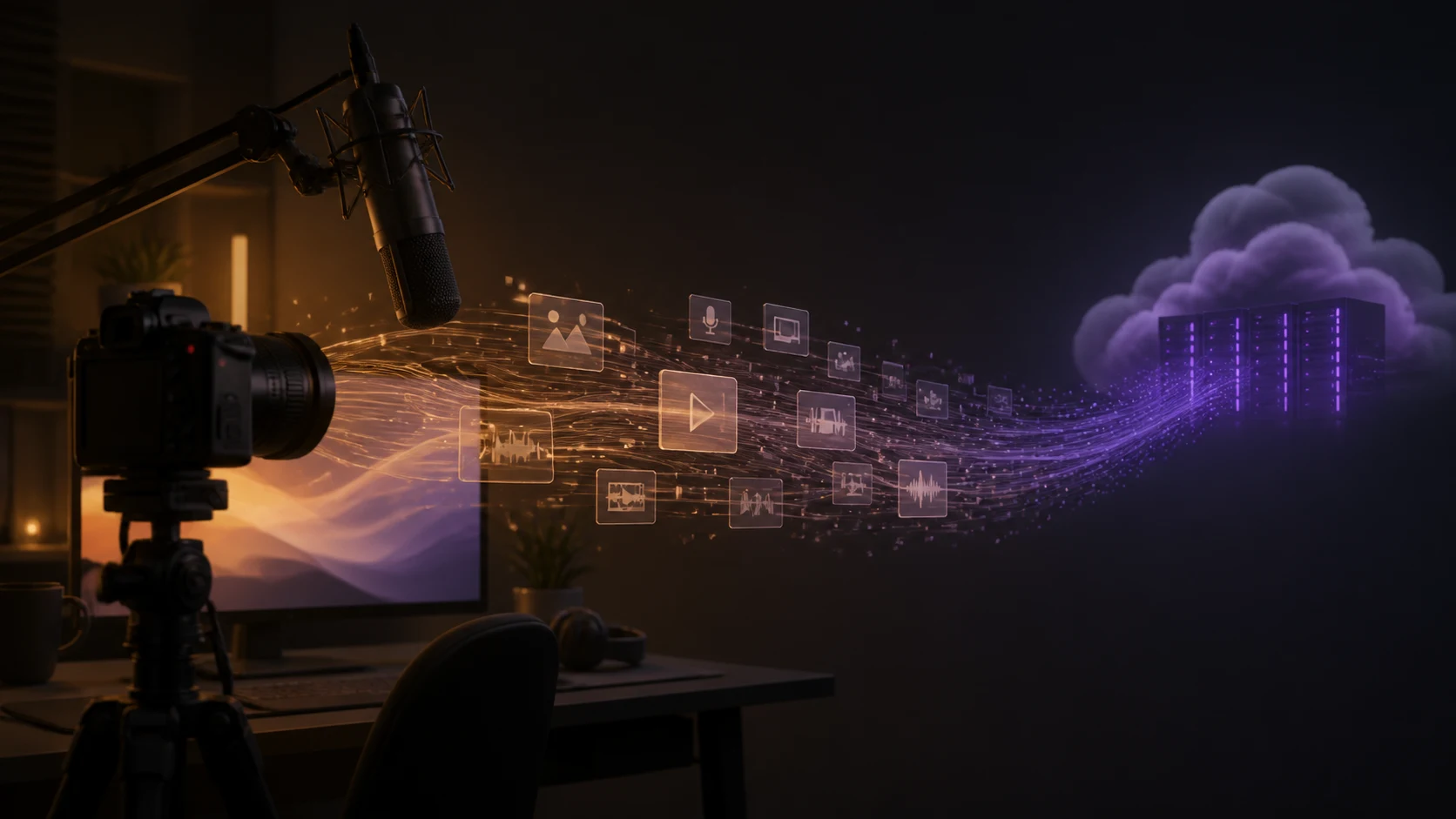
Twitch recently added a setting that lets Amazon use channel content to train generative AI models and turned it on by default. Creators do not actively opt in; they must find the setting and switch it off.
What changed?
Twitch explained the policy during an official livestream. Chief Product Officer Mike Minton and Head of Community Mary Kish discussed Amazon’s generative AI training and how creators can opt out.
The controversy is not only whether the setting can be disabled, but its default. Minton acknowledged that few people might activate it if it were opt-in, so Twitch chose a default-on setting with an opt-out.
Where to turn it off
Creators can open Twitch Security and Privacy settings, find “Training for Generative AI” or a similarly named option, and turn it off. The control sits in account security and privacy settings, not on the main Creator Dashboard page.
What remains unclear
One key question remains unanswered: whether Twitch had already used existing channel content for model training before this setting appeared. Company leaders did not give a clear answer during the livestream.
Streams, VODs, clips, channel text, and chat interactions may be treated differently under different terms. It is too broad to say Twitch will train AI on everything you have. Check the setting shown on your account, the policy language, and whether you control the rights to every voice, image, and guest appearing on your channel.
Defaults are policy
Twitch’s change is a reminder that AI training is not only a model-capability issue; it is also about content permission and defaults. When agreement is the default and disagreement must be found, the interface has already made the first decision for creators.