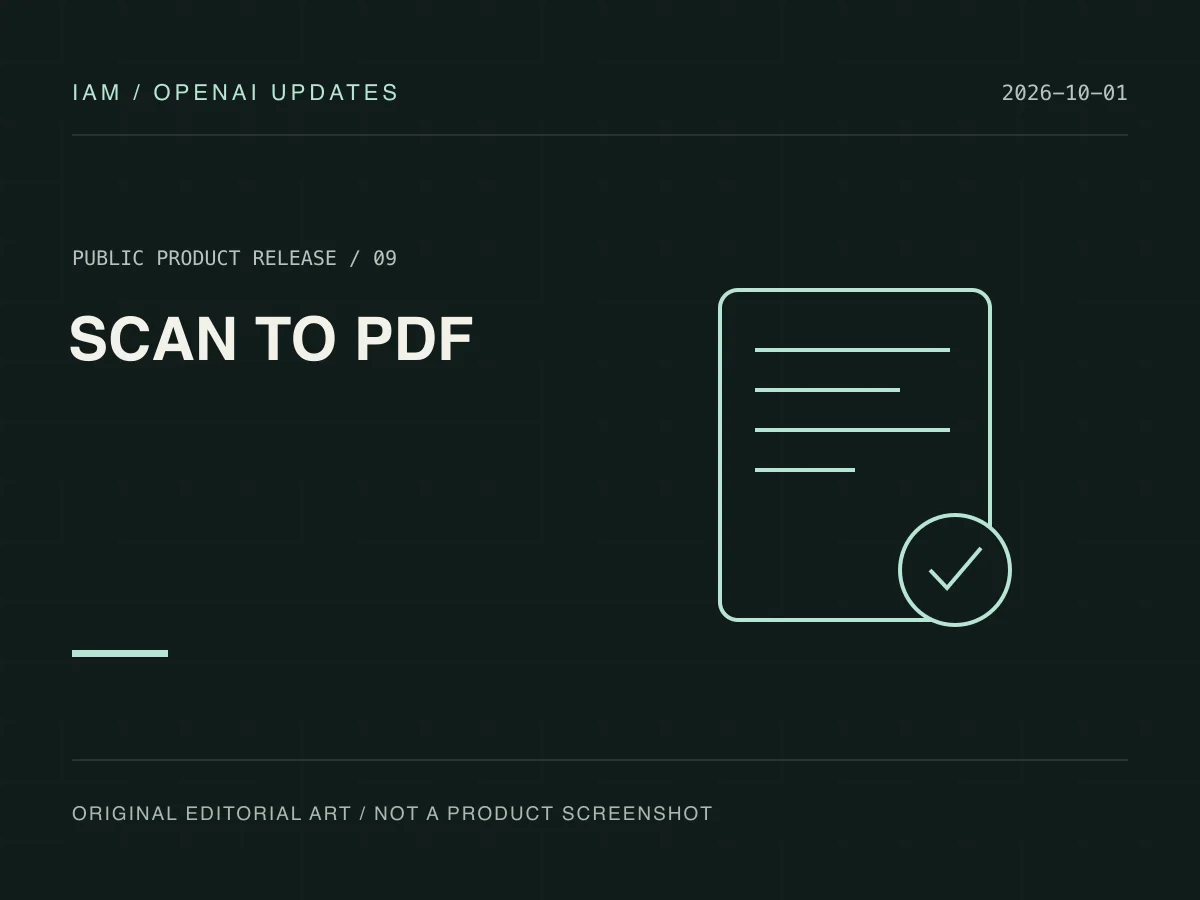
On October 1, 2026, OpenAI announced an improved camera workflow in ChatGPT: capture several document or note pages in succession, combine them into one PDF, and upload it to a conversation. Scanning is rolling out on iOS.
Find the scanning option
Open the camera inside ChatGPT, tap the three-dot menu, and choose Scan. This removes a separate export-and-attach step from a typical scanning workflow. If the option is missing, check app version and rollout availability; the iOS announcement is not evidence of simultaneous Android support.
Turn paper into discussion material
For example, capture a handout in order and request a section outline or a list of passages to revisit. Keep entire pages visible, in focus, and free of heavy shadows rather than asking the model to infer text cropped out of the photograph.
Inspect the PDF first
Check page completeness, order, tables, and handwriting. Compare summaries with the source pages, especially names, dates, and numbers. Successful capture and correct interpretation are separate outcomes.